Buyer’s guide
How to choose a British IPTV provider
Choosing a British IPTV provider can feel like guesswork: every site claims the most channels, the sharpest picture and the happiest customers. This guide sets the slogans aside and looks at what actually decides whether IPTV works well in a UK home: your broadband, your devices and apps, picture quality, honest line-ups, safe payment and support you can reach. Use it to weigh up any British IPTV provider, us included.
What IPTV is, without the jargon
IPTV (Internet Protocol television) sends TV over the internet instead of through an aerial, dish or cable. You install a player app on a TV, stick, box, phone or computer, sign in with details from your provider, and the app shows live channels, a programme guide and usually an on-demand library of films and box sets. The big streaming services use similar technology; the difference is that IPTV subscriptions centre on live channels arranged like traditional television.
So the experience depends on three things pulling together: the provider’s service, the app on your device and your home connection. A good service on a shaky connection will disappoint, and so will fast broadband with a poorly supported device. The right British IPTV provider for you is the one where all three fit.
Start with your own broadband
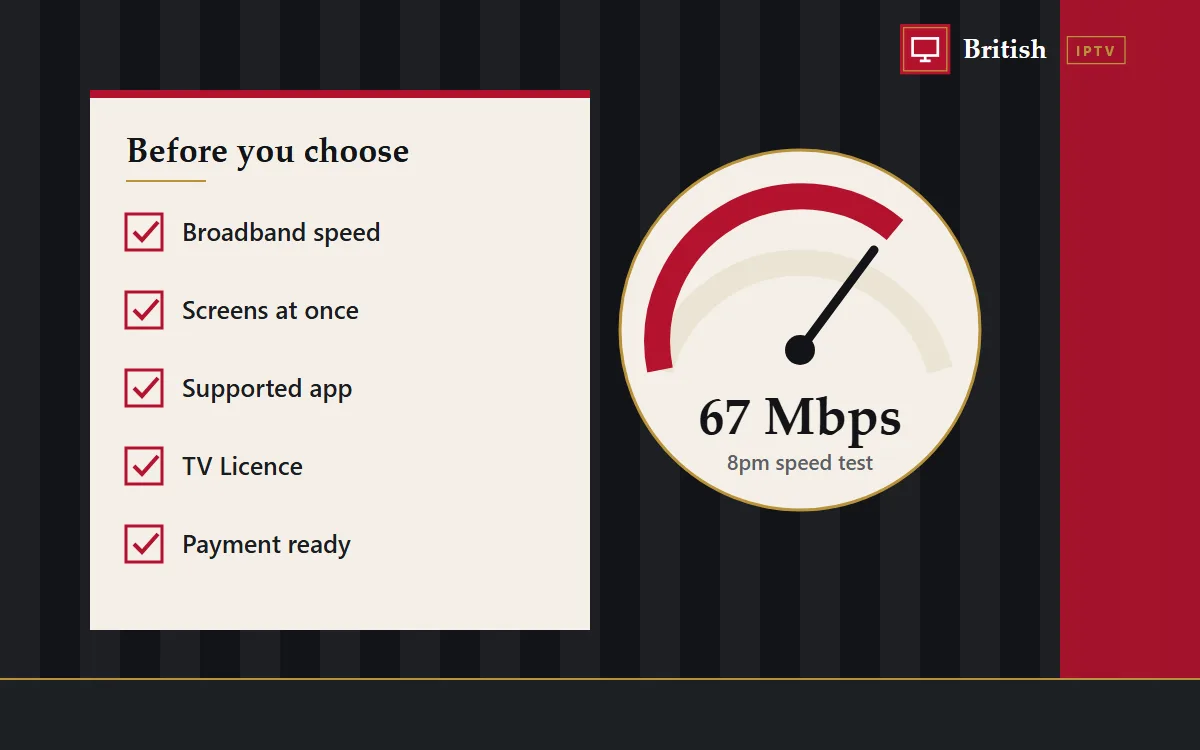
Before comparing any British IPTV provider, look at your own connection. As a rough guide, a steady HD stream needs about 10 Mbps and a 4K stream 25 Mbps or more. That sounds modest, but what counts is what you get at eight on a weeknight, when half the street is streaming.
- Test at peak time. Run a speed test on the device you’ll watch on, at the time you usually watch, not on your phone beside the router at lunchtime.
- Count streams at once. Two HD streams plus someone gaming or on a video call can stretch a basic copper line. Superfast fibre suits most homes; full fibre gives large households room to spare.
- Rural and mobile broadband. 4G home routers and long copper lines vary more through the day. HD rather than 4K, and a cable to the TV, help a great deal.
- Wi-Fi is often the weak link. A stick behind the television may get a fraction of your line’s speed. Ethernet, powerline adapters or a mesh point near the set fix most buffering.
Check your devices and apps
A good British IPTV provider supports the devices people in the UK actually own, and explains how to set each one up. Before paying, make sure there’s a clear guide for your television or box, and that the recommended app is available in its store.
- Fire TV Stick and Android TV boxes are the most flexible, with plenty of player apps.
- Samsung and LG Smart TVs work well but carry fewer apps, especially older models.
- Apple TV and iPhone run App Store players and support AirPlay.
- MAG, Formuler and BuzzTV are dedicated IPTV boxes with built-in players.
- Roku is the most limited, because it won’t install apps from outside its own store.
Our British IPTV setup hub has a guide for each of these. If a provider can’t tell you which app to use on your exact model, treat that as a warning.
Picture quality: reading the labels
You’ll see SD, HD, FHD and 4K. In practice, HD and FHD look crisp on most televisions and cope far better with busy networks than 4K. Genuine 4K depends on the source: plenty of channels are produced in HD, and an upscaled stream labelled 4K won’t look much better. A provider that offers more than one version of popular channels lets you trade a little sharpness for a steadier picture on a busy Saturday, which matters far more in a tight finish than a few extra pixels. When you compare one British IPTV provider with another, ask which channels come in more than one quality.
Line-ups: look past the big numbers
Many sites advertise tens of thousands of channels. A huge figure tells you nothing about whether the handful you care about are there, play reliably and have guide data. Duplicates, regional copies and dead channels pad those totals out.
A better test is simple: name the channels, competitions or languages that matter to you and ask whether they’re in today’s list. An honest British IPTV provider answers plainly, including telling you when something isn’t available or can’t be promised. Line-ups and broadcasting rights change, so nobody should guarantee a particular match months ahead. Our British IPTV channels page explains how our groups are laid out.
Programme guide and UK time
A good electronic programme guide (EPG) turns a channel list into something that feels like proper television. Check that the recommended apps show a guide and let you set London time, so listings follow the clocks through GMT and British Summer Time. Small details like this show whether a service has been set up with UK viewers in mind.
The TV Licence question
Any trustworthy British IPTV provider should be upfront that a TV Licence is needed in the UK to watch or record programmes as they’re broadcast live, on any channel and any device, and to use BBC iPlayer. If a seller suggests otherwise, that tells you something about how carefully they deal with the rest of the facts.
Prices, plans and lock-in
Compare prices per month and per screen, not just the headline figure. Then look closely at how you pay:
- Renewal: is it a one-off payment, or will you be charged again automatically? One-off plans are easier to control.
- Screens: how many devices can play at once, and what does each extra one cost?
- Upgrades: can you move to a bigger plan mid-term without losing your login?
- Refunds: is there a written policy explaining what happens if the service won’t run on your device?
Our British IPTV service plans are paid once, with nothing set to renew, for 1, 2, 3 or 5 screens. Our refund policy is published in full.
Trying before committing
Free trials aren’t the only way to test a service. A short paid plan, such as one month on one screen, shows you far more than a few hours on a trial line, because you see how it copes across a whole week, including the busy Friday and Saturday evenings. Check the British IPTV provider publishes a refund policy first, and ask what happens if it won’t run on your TV. If the answer is clear and in writing, a month is a low-risk way to find out.
Paying safely
Even a good deal isn’t worth it if the payment isn’t safe. Use a method that leaves a record, and never type card details into an unfamiliar page you reached from a pop-up or an unexpected message. Be wary of anyone who insists on gift cards, or on a bank transfer to a personal account before you’ve placed an order. With us, you place the order on this site and arrange payment by card or Apple Pay, Revolut or Skrill with our team on WhatsApp; your card number is never entered on this website.
Support you can actually reach
When something stops working on a Friday night, the quality of support matters more than any feature list. Look for a provider that offers a direct channel such as WhatsApp or email, publishes its contact details clearly and gives device-specific help rather than a stock reply. Send a question before buying and see how quickly and clearly it’s answered.
Warning signs to watch for
Any of these should take a British IPTV provider off your shortlist:
- Precise uptime promises such as 99.9%, which nobody can honestly guarantee for internet streaming.
- Huge channel totals with no way to check what’s included.
- Star ratings and glowing reviews that can’t be traced to real, verifiable customers.
- Claims to be the number one or the official provider in the UK.
- Look-alike websites with a slightly different spelling of a known name.
- Pressure to pay immediately or in untraceable ways.
Our official site page lists our one domain, our one WhatsApp number and our email, so you can always check it’s really us.
British IPTV provider comparison checklist
| Question | What a good answer looks like |
|---|---|
| Will it work on my device? | A named app and a step-by-step guide for your model |
| Is my channel or competition there? | A direct, honest answer about today’s list |
| How many screens at once? | A clear device count for every plan |
| Does it renew automatically? | A plain yes or no before you pay |
| What if it doesn’t work? | A written refund policy you can read first |
| How do I get help? | Published WhatsApp and email contacts |
Where we fit
We built British IPTV around the points in this guide: plans for 1, 2, 3 or 5 screens, priced in pounds and paid once; guides for ten device types; a programme guide you can set to UK time; and help from real people on WhatsApp. We don’t publish channel totals, uptime figures or reviews, and we’ll tell you honestly if something you want isn’t in today’s list. Ask us anything before deciding.
Weighed up the options?
If our service ticks your boxes, choose a plan. Not sure yet? Message us first; we’d rather you bought with confidence.