Step by step
British IPTV tutorial: from order to your first channel
This British IPTV tutorial takes you through the whole journey in eight steps: choosing a plan, checking out, paying on WhatsApp, receiving your login, installing the app and opening your first channel. Most people are done in well under half an hour, and the longest wait is usually the app store download. Keep this page open on your phone while you set up the television.
The British IPTV tutorial at a glance
- Pick a plan on the British IPTV service page: 1, 2, 3 or 5 screens for 1, 3 or 12 months.
- At checkout, enter your email, first and last name, country and phone number.
- Place the order with the Pay on WhatsApp option.
- Choose card or Apple Pay, Revolut or Skrill and tap Pay on WhatsApp; the message writes itself.
- Complete the payment with our team on WhatsApp.
- Receive your login by WhatsApp and email.
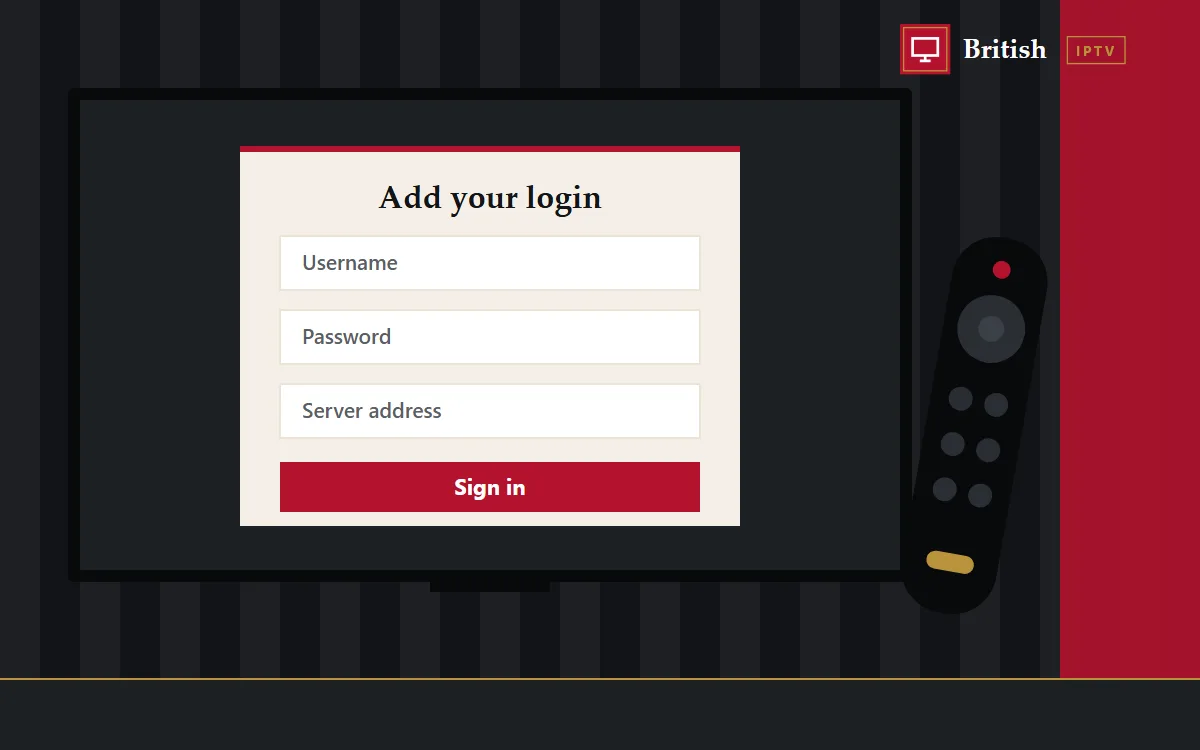
- Install the player from your device guide and enter your login.
- Open your first channel, set the guide to UK time and add favourites.
Step 1: choosing the right plan
Count how many screens will play at the same moment; that’s your plan size. Then choose a length. One month is a low-risk start, while twelve months has the lowest monthly cost. Every option is on the British IPTV service page.
Steps 2 to 5: checkout and paying
Checkout asks only for your email, name, country and phone, because nothing is posted. Place the order with Pay on WhatsApp, then choose how to pay: card or Apple Pay, Revolut or Skrill. Tapping Pay on WhatsApp opens a chat with your payment method, plan, total and contact details already filled in. Send it, and our team replies with the payment details for your chosen method.
Step 6: your login arrives
Once payment is confirmed, your login is sent by WhatsApp and email in the format that suits your device: an Xtream Codes login, an M3U link or a portal address. Save the message somewhere safe, as you’ll need it again when you add another device.
Steps 7 and 8: install, sign in, watch
Open the guide for your device, install the player it recommends and enter your details exactly as sent. When the channels have loaded, open one from a group you’ll use often, such as news or sport, to check playback. Then set the programme guide to UK time and add a few favourites so there’s no scrolling next time.
If something goes wrong
- Login rejected: re-enter it slowly, watching for spaces and capital letters in the server address.
- Buffering: pick the HD version of the channel, move closer to the router or plug in a cable.
- Guide an hour out: adjust the time zone or offset after the clocks change.
- Anything else: send a screenshot and your order number on WhatsApp.
More answers live in the British IPTV FAQ and the British IPTV setup hub.
Ready for step one?
Choose your British IPTV plan and you’ll be on your first channel shortly after payment is confirmed.